System Check
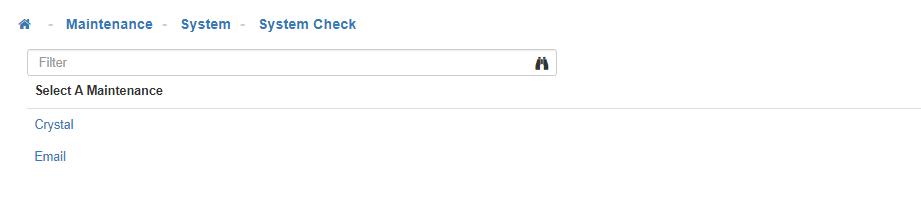
The System Check Maintenance allows you to test both the Crystal and Email functionality associated with your LightWork system.
This Maintenance is controlled through Group Security by the ‘LightWork System Check’ securable. If you see the System Check available for selection under the System Maintenance options, you have been granted at least some visibility through Security Access in Group Security for this Maintenance.
Crystal Integration
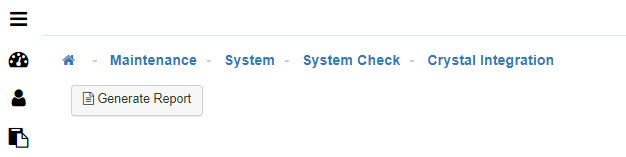
The System Check for the Crystal integration would be useful when troubleshooting report-related items.
-
Generate Report
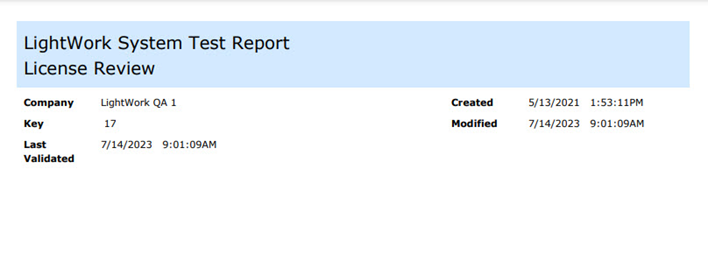
Once that check is selected, you can then select the ‘Generate Report’ button, which will then launch the LightWork System Test Report with License Review. -
Crystal Report
If the Crystal Report runs and opens successfully, the Crystal System Check is successfully passed. An indication of a further issue requiring troubleshooting would be if it does not run or open successfully or the scenario where the loading indicator spins on the screen for more than two minutes. If the Crystal Integration Check fails, there may be further difficulty encountered when attempting to run other Reports in the system as all these utilize Crystal.
Email System Check
Similarly, the Email System Check will provide insights into whether the email integration is working correctly for your LightWork product.
-
Test Emails
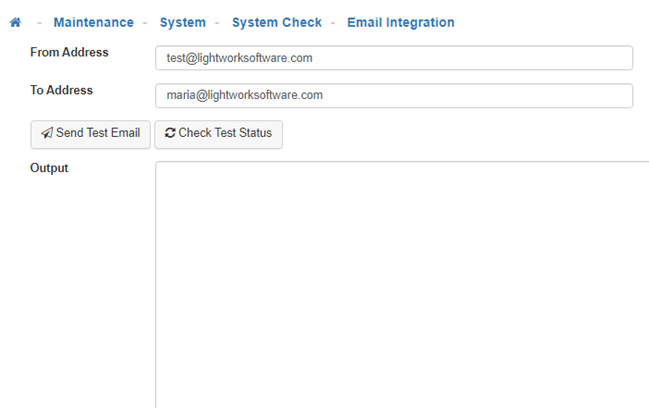
Upon selecting the Email option under the System Check Maintenance, you will be asked to enter the From/To Address for a sample test email. -
Send Test Email
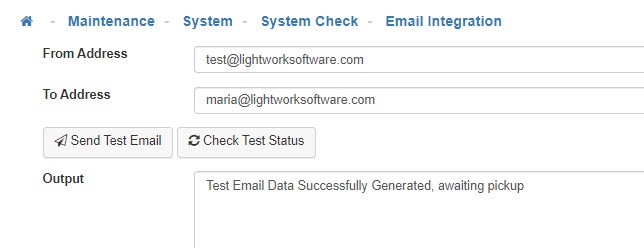
Once these values are entered you would select the ‘Send Test Email’ button. The Output field will provide any success/failure messages regarding the test. In the case of a successful test the Output would read ‘Test Email Data Successfully Generated, awaiting pickup’. -
Check Test Status
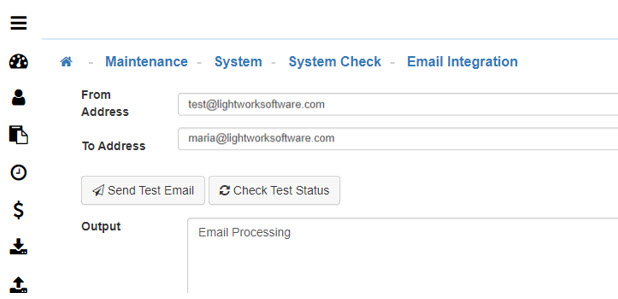
After selecting the 'Check Test Status' button the Output would read ‘Email Processing’.